
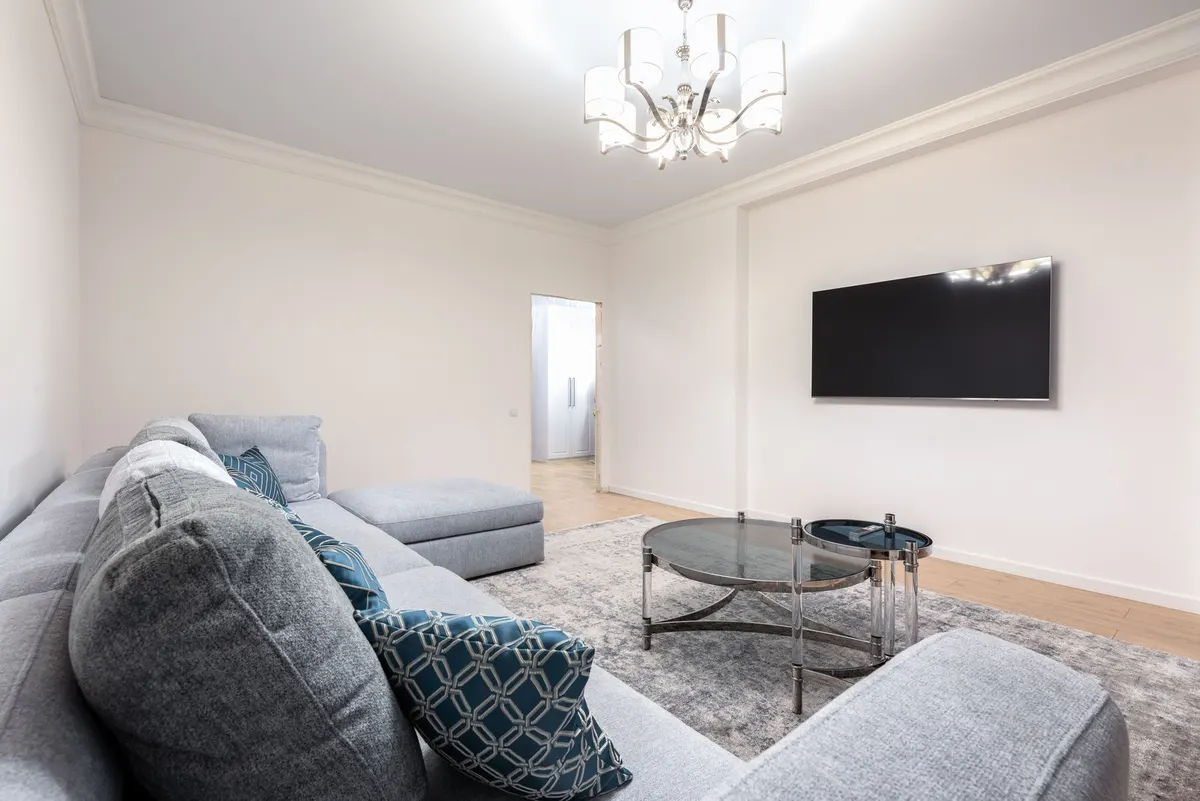
How to Mount a TV on the Wall with Hidden Cables
Install a stud-mounted TV bracket and route cables invisibly inside the wall using a low-voltage cable management kit. Step-by-step guide for a clean, pro-level look.
Difficulty
intermediateTime
4–6 hours
Est. cost
$40–$80
Tools you'll need
- Cordless drill driver — our review
- Stud finder
- 4-foot level
- Tape measure
- Pencil
- Socket wrench or screwdriver (for lag bolts)
- Drywall saw or keyhole saw
- Wire coat hanger or fish tape
Materials
- TV wall mount rated for your TV's size and weight (full-motion or fixed, VESA compatible)
- Lag bolts (usually included with mount, 1/4-inch diameter or larger, long enough to penetrate studs at least 1 inch)
- Low-voltage cable management kit (includes two single-gang openings, in-wall rated HDMI and cables if needed)
- Drywall anchors (for mounting plates if needed, though stud-mount is preferred)
- Cable ties or Velcro straps (for managing excess cable length)
- Spray foam insulation (optional, for sealing holes around cables to prevent drafts)
Step-by-step
- 1
Locate studs and mark mount position
Use a stud finder to locate two studs in the desired TV location. Typically studs are 16 or 24 inches apart. Mark the center of each stud with a pencil. Measure and mark the desired height for the TV's center—usually 42 inches from the floor for a standard viewing height—then hold the mount's wall plate against the wall at that height, centered horizontally. Use a 4-foot level to ensure it is perfectly level, then mark the bolt hole locations on studs through the mounting plate.
- 2
Drill pilot holes for lag bolts
For each lag bolt location, drill a pilot hole into the stud using a drill bit slightly smaller than the bolt's shaft diameter. Drill straight into the center of the stud, about 2 to 3 inches deep. Countersink the hole slightly so the bolt head sits flush with the plate. Ensure no electrical wires or plumbing are behind the wall—use caution and check with a scanner if available.
- 3
Attach the wall plate
Position the wall plate over the pilot holes and thread the lag bolts through the plate into the studs. Tighten each bolt with a socket wrench or screwdriver until snug—do not overtighten or you may strip the threads. Confirm the plate remains level and secure. Optionally, if the plate has additional holes over drywall only, install hollow-wall anchors rated for the TV's weight.
- 4
Determine cable exit points and cut holes
Mark two cutout positions: one near the TV (behind the TV center, about 2 inches below the mount) and one near the floor (directly below the upper hole, at baseboard height). Use the cable management kit's template to draw outlines. Cut each opening with a drywall saw, cutting cleanly along the inside of the lines. Keep the cut pieces if you plan to patch later.
- 5
Prepare the cables and route them inside the wall
Attach your cables (HDMI, power cord, etc.) to the in-wall rated cable management kit's pull string or fish tape. Push the cables down from the top hole to the bottom hole using a coat hanger or fish tape. Pull them out the lower opening, leaving enough slack at both ends for connections. Do not bundle power cords with signal cables tightly to avoid interference.
- 6
Mount the TV bracket arms to the TV
Lay the TV face down on a soft, clean surface (like a blanket on the floor). Attach the mounting arms or bracket to the back of the TV using the VESA screws provided with the mount. Use a level to ensure the arms are even. Tighten all screws securely, but do not overtighten. If the TV has a curved back, use spacers included in the mount kit to keep it flat.
- 7
Hang the TV and connect cables
With assistance, lift the TV and hook the arms onto the wall plate. Follow the mount's locking mechanism—usually a safety latch or screws that secure the TV to the plate. Connect the cables to the TV's ports and to any source devices (e.g., cable box, streaming stick) near the lower hole. Use cable ties to neatly bundle excess cable length behind the TV or inside the lower opening.
Planning Your TV Mount Installation
Mounting a TV on the wall with hidden cables takes the viewing experience to a new level—literally—while eliminating the tangle of wires that spoil a clean look. This project covers a stud-mounted bracket installation with the cables tucked safely inside the wall using a low-voltage cable management kit. While the process is straightforward, it demands careful planning and a methodical approach to avoid mistakes that could damage your wall, your TV, or—worse— create a safety hazard.
Choosing the Right Mount and Location
Before buying a mount, know your TV's VESA pattern and weight. Most flat-screen TVs between 32 and 65 inches use VESA 200x200 or 400x400 and weigh 25 to 60 pounds. Mounts are rated by size and weight, so pick one that exceeds your TV's weight by at least 20 percent. Full-motion (articulating) mounts allow tilting and swiveling, while fixed or tilting mounts keep the TV closer to the wall. Choose the type that fits your room.
The ideal viewing height places the center of the screen at eye level when seated—usually 42 to 48 inches from the floor. Mark this height on the wall, then use a stud finder to identify studs. Studs are usually spaced 16 or 24 inches apart, and their edges can be located by moving the stud finder slowly. Mark the center of each stud. If your stud spacing does not match the mount's slots, consider a mount with adjustable width or install a plywood backer board first.
Essential Measurements and Drawings
Once you've marked the TV center, hold the mount's wall plate against the wall at that height. Use a 4-foot level to keep it perfectly horizontal—a crooked mount is noticeable. Mark the bolt hole locations through the plate onto the wall. For an 80-pound TV on a full-motion mount, you'll need at least four lag bolts into two studs. Double-check that the marked positions land on stud centers (not edges) to ensure full thread engagement.
Plan the cable path. A cable management kit typically includes two single-gang boxes: one behind the TV and one near the floor. The vertical distance between them should be straight down, avoiding any obstacles. Measure from the center of the TV back to the upper box location (usually about 2 inches below the bottom of the TV when mounted). The lower box should be above the baseboard, about 6 inches from the floor, for easy access to source devices.
Step-by-Step Installation
Step 1: Locate Studs and Mark Mount Position
Use a quality stud finder to detect studs. Mark their centers clearly. Measure and mark the TV's center height (e.g., 42 inches). Hold the mount plate level and mark all bolt holes.
Step 2: Drill Pilot Holes for Lag Bolts
Select a drill bit slightly smaller than the lag bolt shaft (typically 7/32-inch for 1/4-inch bolts). Drill into studs at the marked locations, going at least 2 inches deep. If you hit metal, stop—there may be a protective plate over wires; relocate the hole. Use a countersink bit to create a recess for the bolt head.
Step 3: Attach the Wall Plate
Align the plate over the pilot holes. Insert lag bolts and tighten with a socket wrench. Do not overtighten; snug plus a quarter turn is sufficient. The plate should be firmly attached with no movement. If the plate wobbles, check the bolts and wall surface.
Step 4: Determine Cable Exit Points and Cut Holes
Position the cable management box templates. For the upper box, center it behind where the TV will be, about 2 inches below the mount. For the lower box, use a level to ensure it is vertically aligned below the upper one. Cut along the template lines with a drywall saw. Cut slowly to avoid damaging the drywall face. Remove the cut pieces carefully.
Step 5: Prepare the Cables and Route Them Inside the Wall
Attach cables (HDMI, power if using an in-wall rated extension, and any other signal cables) to the fish tape or pull string. Insert from the top hole and fish down to the bottom hole. Pull through, leaving slack at both ends. Use a wire coat hanger to help guide the cables around any insulation or obstructions. Once pulled, use cable ties to bundle them neatly inside the wall cavity.
Step 6: Mount the TV Bracket Arms to the TV
Place the TV face-down on a soft surface. Attach the mounting arms using the VESA screws. Tighten them with a screwdriver. If the TV has a curved back, use the provided spacers to keep the arms flush. Ensure the screws are snug but not stripped.
Step 7: Hang the TV and Connect Cables
With a helper, lift the TV and hook the arms onto the wall plate. Engage any safety locks (screws or latches). Connect cables to the TV and to devices near the lower box. Use the cable management kit's covers to hide the holes neatly. Test the TV and adjust any cables so they are not pinched.
Common Mistakes to Avoid
- Skipping the stud finder calibration or checking for wires: always use a wire/stud detector combo.
- Mounting the TV too high: a TV mounted above eye level causes neck strain. Adjust height before drilling.
- Using too few or undersized lag bolts: a heavy full-motion mount can pull out with only two bolts into one stud. Always use all mounting points.
- Cutting cable holes without checking for studs or wires: cut only into open cavities. Use a flashlight to inspect inside.
- Routing power cables without in-wall rating: standard cords are a fire hazard. Use approved in-wall cables or install a new outlet.
- Overtightening lag bolts: can strip the threads or crack the stud, compromising holding strength.
Safety
Always turn off power at the breaker when working near electrical cables. Use caution when cutting drywall to avoid hitting wires or pipes behind. Wear safety glasses when drilling into walls to protect from debris. When lifting the TV, get assistance—modern TVs are fragile and heavy. Ensure the mount is securely locked before releasing the TV. If using a power bridge or in-wall power kit, follow manufacturer instructions and local codes. Never run standard extension cords inside walls. Finally, verify that the mount and TV are rated for the weight—do not exceed the mount's maximum load.
Final Touches
After installation, test the TV's movement if using a full-motion mount—smooth operation indicates correct assembly. Use cable ties to manage excess length behind the TV or inside the lower box. Consider sealing the holes around cables with spray foam or grommets to prevent drafts and pests. Your hidden-cable TV mount is now ready for years of entertainment and a clutter-free room.
Advertisement
Frequently asked questions
- How do I know if my TV mount is compatible with my TV?
- Check the VESA pattern on the back of your TV (distance between mounting holes horizontally and vertically, e.g., 200x200 mm). The mount must support that pattern and your TV's weight. Most mid-size mounts support VESA up to 600x400 mm and TVs up to 125 lbs. Always confirm in the product specifications.
- Can I use a stud mount if my studs are not spaced 16 inches apart?
- Yes, if studs are on a 24-inch center, ensure your mount's wall plate has slots that align. Many full-motion mounts have adjustable plates to accommodate 16- or 24-inch spacing. If the holes do not align, you may need a mounting adapter or plan to attach a plywood backer board across studs first.
- Is it safe to route power cables inside the wall?
- In-wall rated cables are required for safety and code compliance. Do not run standard extension cords inside the wall. Use a cable management kit that includes a power bridge or an in-wall rated power extension. For the cleanest setup, install a new outlet behind the TV, but that requires an electrician in many areas.
- What if I cannot find studs where I want the TV?
- You can install a sturdy plywood or 2x4 backer board between studs, then mount the TV to the backer. Alternatively, use toggle bolts in drywall—but these are less reliable for heavy TVs. For the safest install, use studs or a backing board anchored to studs.
- How high should I mount my TV?
- The center of the screen at eye level when seated is typically 42 to 48 inches from the floor. For a 65-inch TV, the center might be at 42 inches, putting the bottom about 26 inches from the floor. Adjust based on your seating and personal preference.